How PEQY works
PEQY reviews every AL pull request: it resolves Business Central symbols and verifies its findings against the AL compiler. The review sees the whole repository and its symbols as context, reviewing the change against them instead of the diff alone.
How a review runs
Submit your PR in Git
Open a pull request on GitHub, GitLab or Azure DevOps, and even TFVC. PEQY picks it up automatically. No change to your process. When a work item or issue is linked, PEQY reads it and flags changes that do not match the requirements.
Invisible checks
PEQY doesn't get in your way. We only notify you when it's important.
A real finding
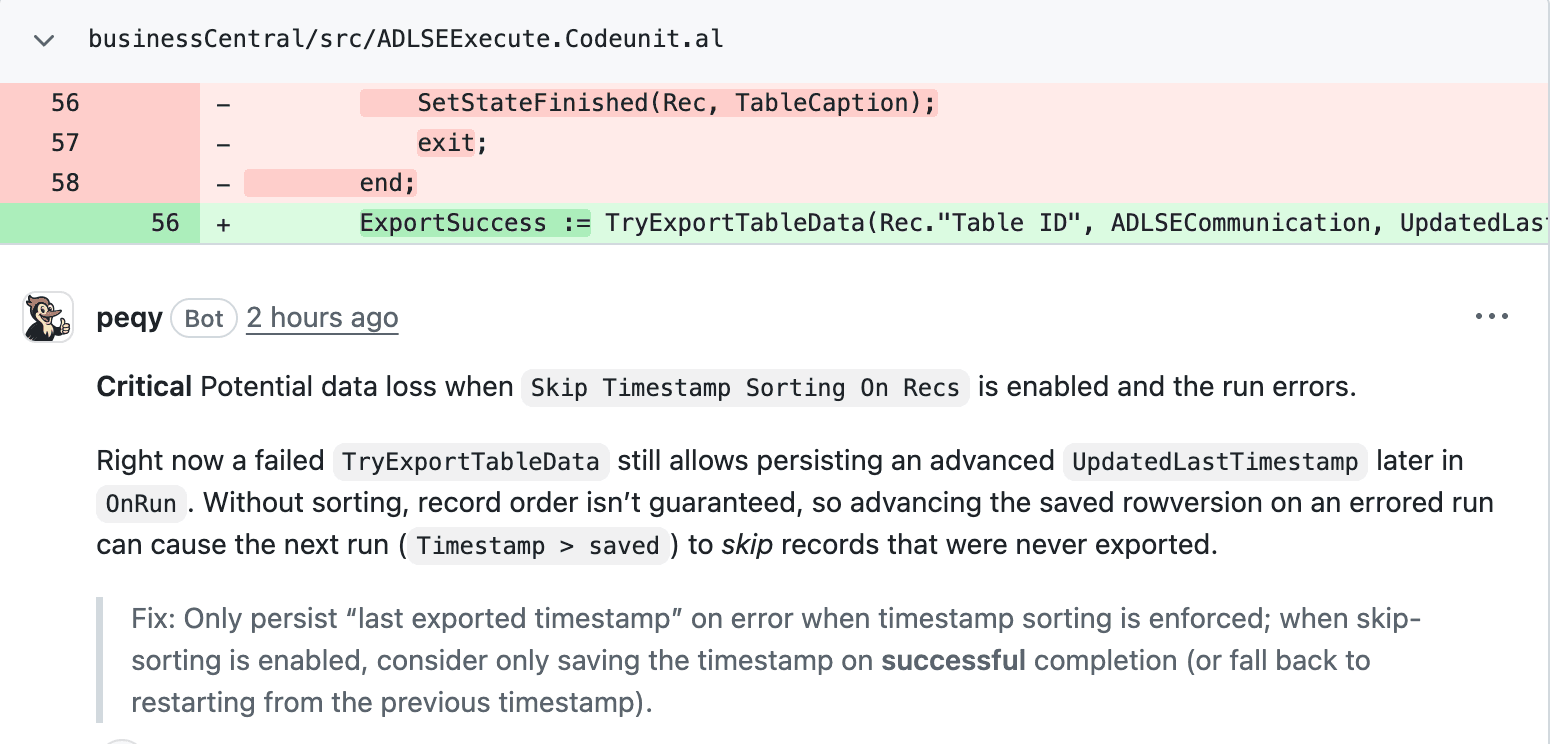
A real finding on a public pull request: bc2adls demo PR #3. The bug shipped upstream and was later fixed in #428.
Reply in the thread and PEQY answers
A finding is the start of a conversation. Ask back in the comment thread and PEQY responds with the code path behind its claim.
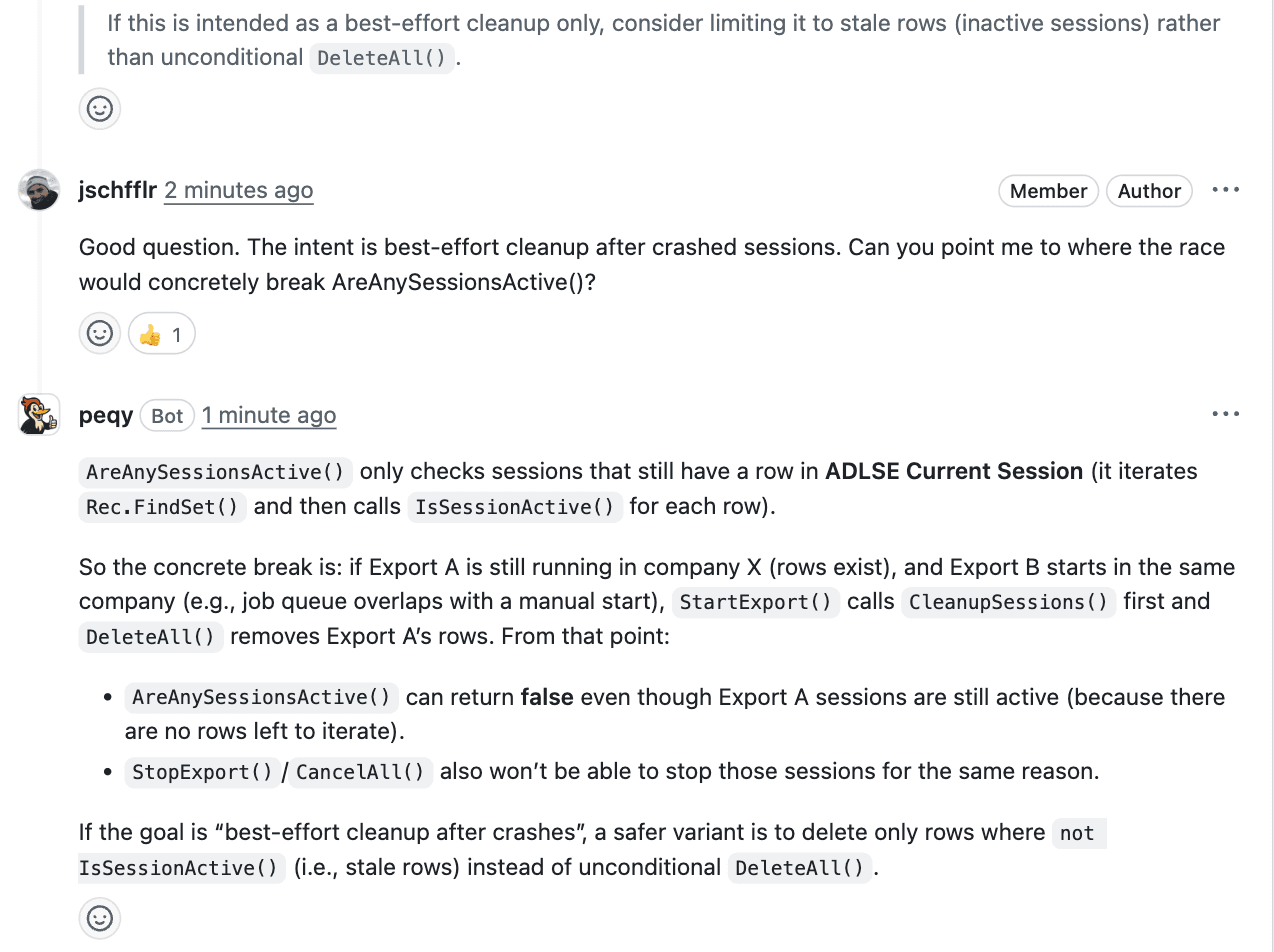
A real exchange on bc2adls demo PR #2: the author asks back, PEQY answers with the concrete code path.
How PEQY makes sure your IP stays secure
Every review crosses three trust zones: your VCS, PEQY's own infrastructure, and the model. Here is the path a pull request takes.
Your VCS and work tracking (GitHub, GitLab, Azure DevOps, TFVC)
PEQY sees only the repositories, projects and work items you grant access to.
thread decisions become rules: what gets settled in a thread is captured into your custom rules (stage 2)
PEQY, hosted at Hetzner in Germany
Model Provider (Zero Data Retention, No Training)
PEQY is great from day one, and becomes better with every review.
Every review draws on three layers of knowledge: a global research base, context for your organization, and custom rules for each repository.
This repository
Custom review rules for team- and project-specific conventions.
Your organization
Context and standards that apply across all of your organization's repositories.
Global
The built-in knowledge base: our bug taxonomy, community pitfalls, Microsoft's documentation and the BCQuality knowledge base.
Built into your pull request workflow.
PEQY automatically runs on every pull request and surfaces results directly in GitHub, GitLab and Azure DevOps, and even TFVC.
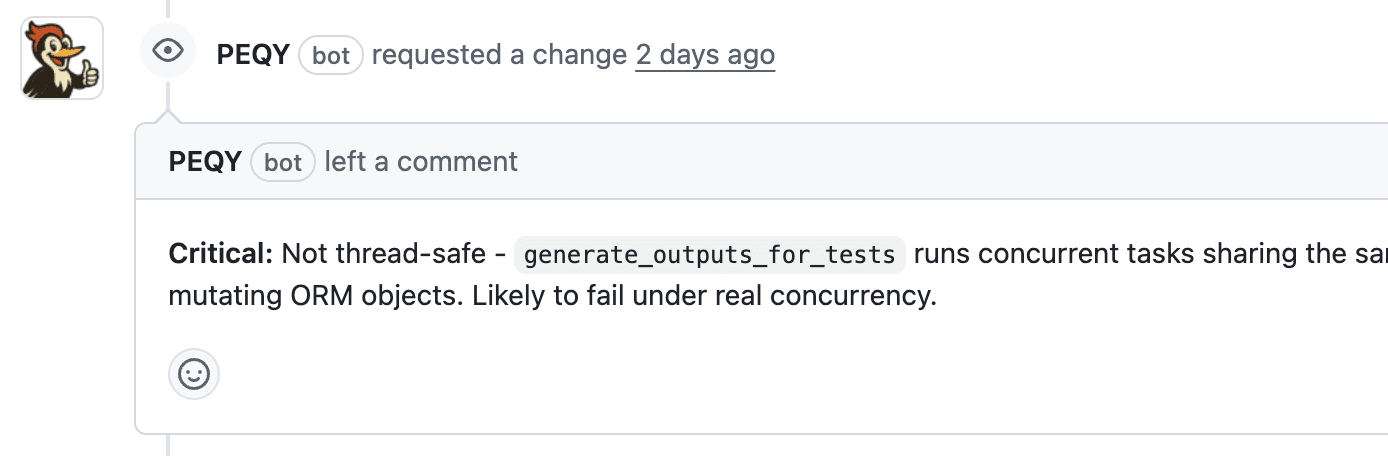
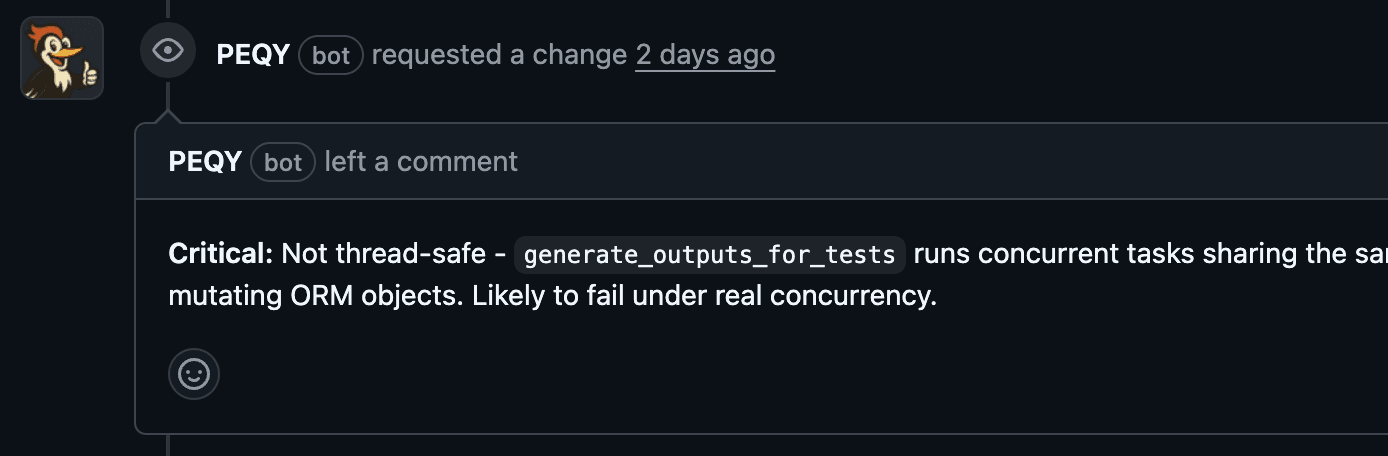
Catches critical bugs before they ship
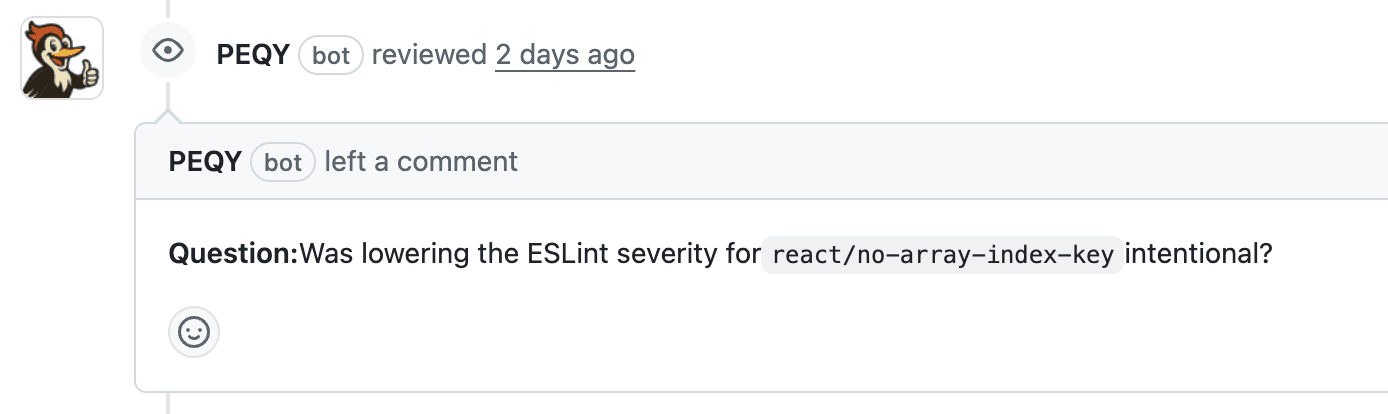
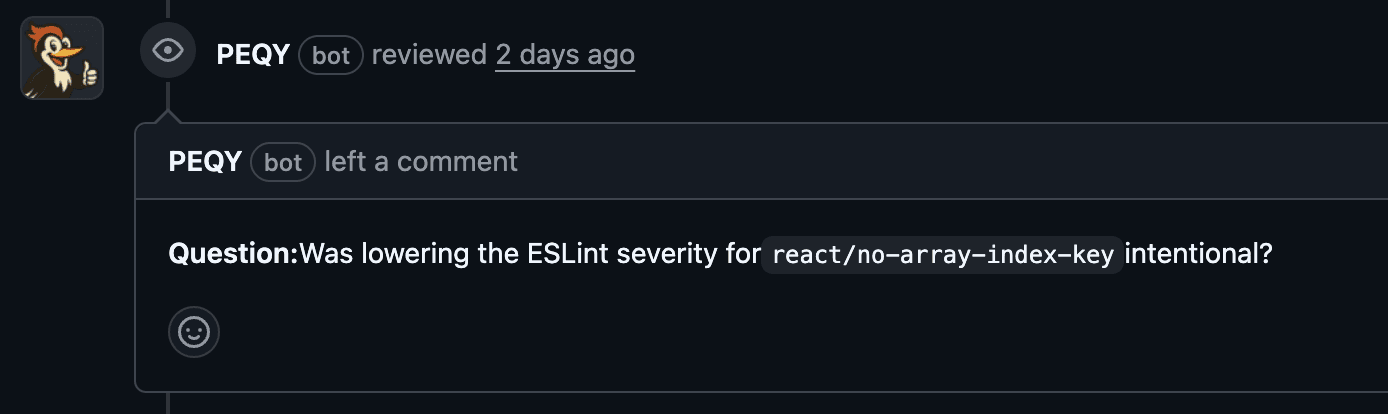
Asks smart questions on suspicious changes
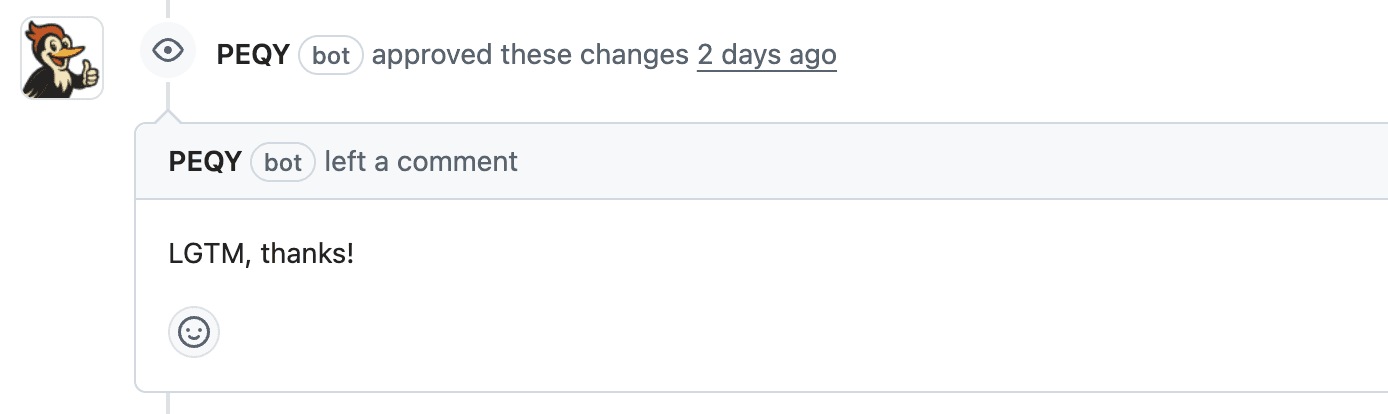
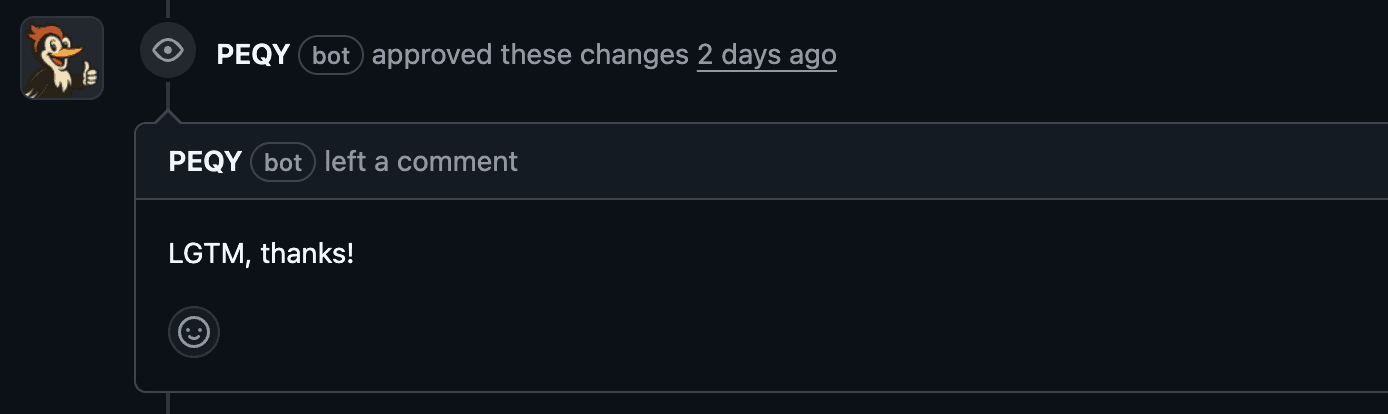
Approves and gets out of the way when all looks good
Get started in three steps.
Start using PEQY now and catch serious bugs before they ship
Connect
Connect PEQY to GitHub or GitLab in a couple of clicks. Azure DevOps is set up with you by a founder.
Pull request
Open a PR and PEQY automatically analyzes your commit.
Merge
Review PEQY's suggestions and merge with confidence.